Table of Contents
Overview
Lexware Office Integration connects your HighLevel CRM with your Lexware Office Accounting software, enabling seamless data synchronization between your customer relationship management and accounting systems. This integration ensures your contact information stays consistent across both platforms.
Features
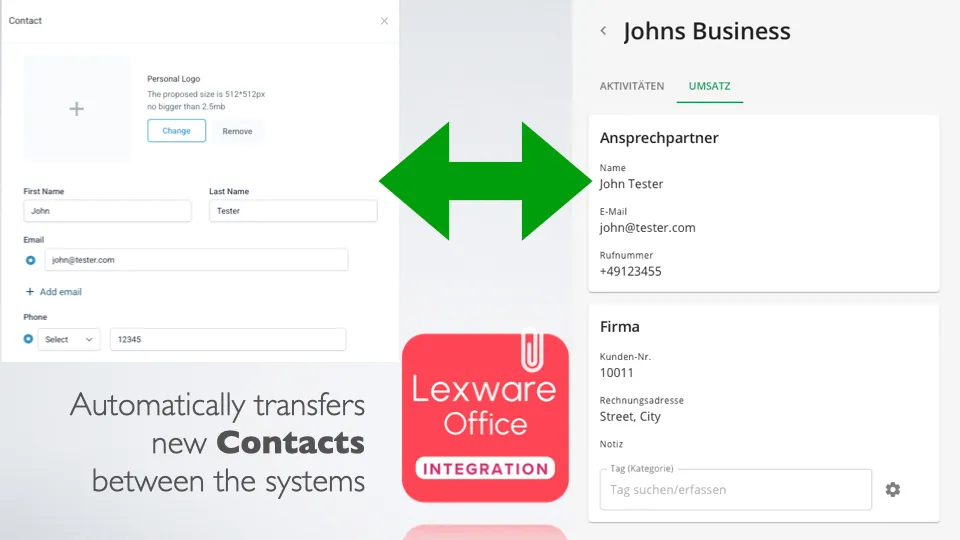
- Bidirectional Sync: Transfer contact information between CRM and Accounting software
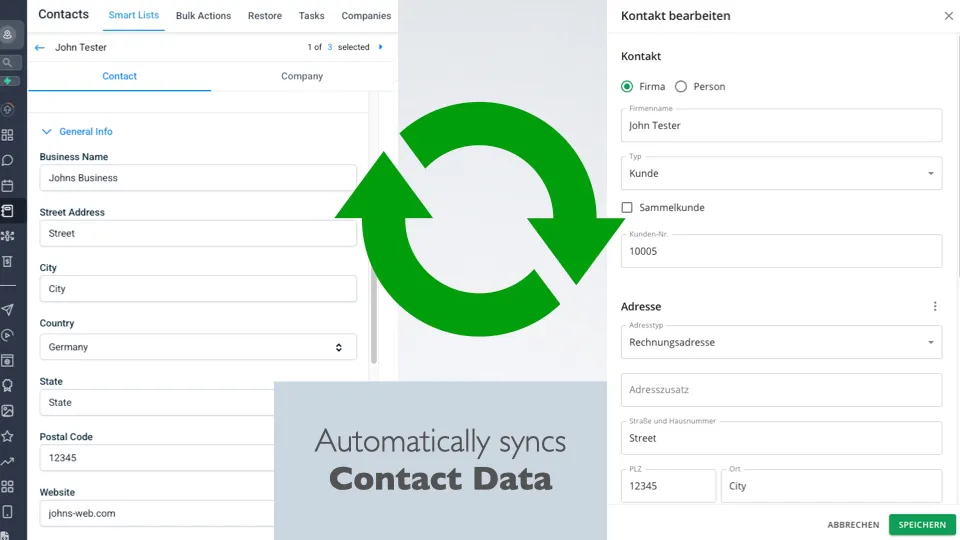
- Automatic Synchronization: Real-time data updates across both platforms
- Secure SSL Connection: Enterprise-grade security for data transfer
- Simple Setup: Just enter your API key and everything happens automatically
- Contact Management: Full read/write access to contact data
- No Data Storage: Your data is never saved on external servers
How It Works
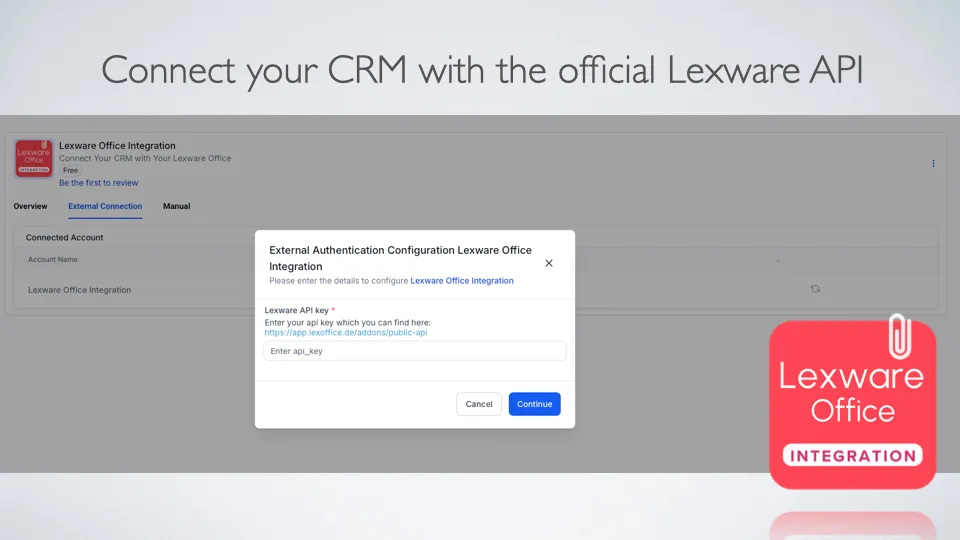
- Get API Key: Obtain your API key from Lexware Office
- Enter Key: Input the API key during installation
- Automatic Sync: Everything else happens automatically!
- Bidirectional Transfer: Contact data flows between both systems
- Real-time Updates: Changes in one system reflect in the other
Benefits
- Eliminate Manual Entry: No more copying contact data between systems
- Data Consistency: Ensure contact information is always up-to-date
- Time Savings: Focus on business instead of data management
- Reduced Errors: Eliminate human error in data transfer
- Seamless Workflow: Smooth integration between CRM and accounting
Integration Details
- Platform: HighLevel CRM
- Accounting Software: Lexware Office
- API Integration: Secure API key authentication
- Data Transfer: SSL encrypted connection
- Permissions: contacts.read / contacts.write
- Location Data: Basic account information for app management
Use Cases
- Transfer CRM to Accounting: Move contact information from HighLevel to Lexware
- Transfer Accounting to CRM: Import Lexware contacts into HighLevel
- Bidirectional Sync: Keep both systems synchronized automatically
- Contact Management: Maintain consistent customer data across platforms
- Business Efficiency: Streamline operations between CRM and accounting
Technical Specifications
- API Authentication: Secure API key system
- Data Transfer: SSL encrypted connection
- Permissions Required:
contacts.read- Read access to contact datacontacts.write- Write access to contact datalocation.read- Basic account information
- Data Security: No external data storage
- Real-time Sync: Automatic data synchronization
- Error Handling: Secure connection protocols
Getting Started
- Get API Key: Obtain your API key from Lexware Office
- Install Integration: Add from HighLevel marketplace
- Enter API Key: Input the key during installation
- Automatic Setup: Everything else happens automatically
- Test Sync: Verify data transfer between systems
- Go Live: Your integration is now active
Best Practices
- Secure API Key: Keep your Lexware API key secure
- Regular Monitoring: Check sync status periodically
- Data Backup: Maintain backups of critical contact information
- Permission Review: Ensure proper access levels are set
- Testing: Verify data accuracy after initial setup
Security & Compliance
- SSL Encryption: All data transfer is encrypted
- No External Storage: Your data never leaves your systems
- API Key Security: Secure authentication method
- Permission-based Access: Only necessary data is accessed
- GDPR Compliant: Respects data privacy regulations
Support
- Simple Setup: Just API key entry required
- Automatic Operation: No ongoing maintenance needed
- Documentation: Clear installation instructions
- Technical Support: Available for setup assistance
- Community Support: Connect with other users
Connect your HighLevel CRM with Lexware Office Accounting for seamless contact data synchronization with zero ongoing maintenance required.