Table of Contents
- Overview
- Features
- How It Works
- Use Cases
- Getting Started
- Important Notice
- Why Choose Account Handler
Overview
Account Handler for Workflows is a powerful tool that allows you to create accounts and load snapshots directly within your workflow builder. Whether you’re setting up new accounts or upgrading existing ones, this app simplifies complex tasks with just a few clicks. Take control of your account management and integrate account creation and snapshot loading into automated workflows for maximum efficiency.
Features
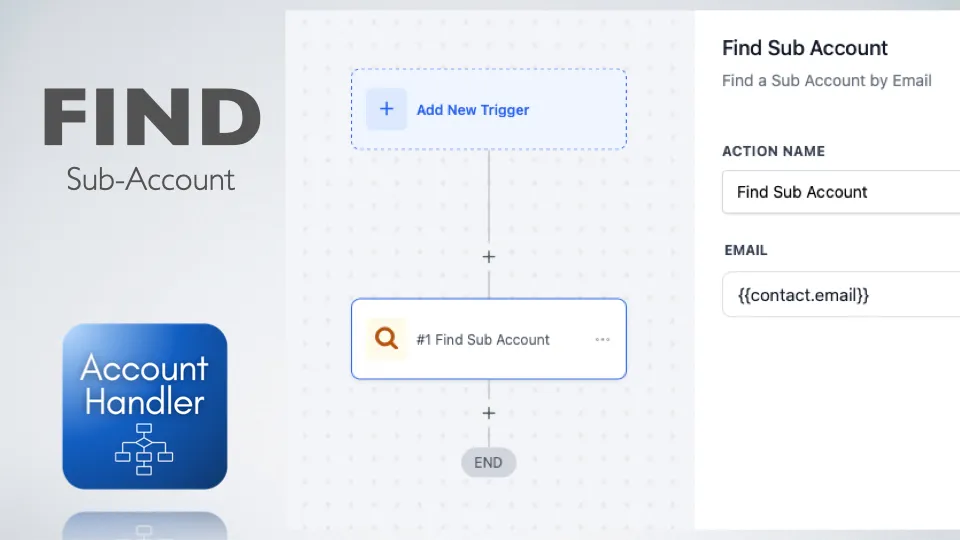
- Create Accounts: Easily set up new accounts directly within your workflow, saving time and reducing manual effort
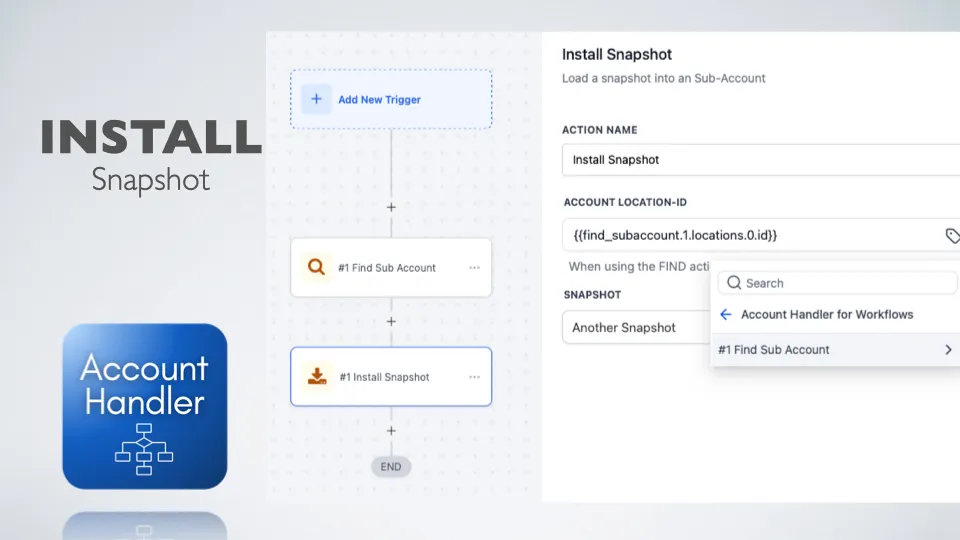
- Load Snapshots: Upgrade an account by loading your snapshots into it, ensuring continuity and accuracy in your workflows
- Workflow Automation: Integrate account creation and snapshot loading into automated workflows for maximum efficiency
- User-Friendly Interface: Manage accounts and snapshots effortlessly with intuitive, built-in workflow actions
How It Works
- Add the Action: Insert an “Account Handler” action into your workflow
- Choose an Operation: Select either “Create Account” or “Load Snapshot” based on your needs
- Input Required Data: Provide the necessary details for account creation or select the desired snapshot to load
- Execute & Manage: Run the workflow to create accounts or install snapshots effortlessly
Use Cases
- Account Onboarding: Automate the creation of new accounts for clients as part of your onboarding process
- Data Transfer: Quickly load snapshots to upgrade account states automatically
- Testing & Development: Create test accounts or load specific snapshots for development, QA, or debugging purposes
- Workflow Optimization: Streamline account-related tasks by integrating them into your existing workflows
Getting Started
- Install: Add Account Handler for Workflows from HighLevel marketplace
- Add Action: Insert an “Account Handler” action into your workflow
- Choose Operation: Select either “Create Account” or “Load Snapshot”
- Configure: Provide necessary details for account creation or select desired snapshot
- Execute: Run the workflow to create accounts or install snapshots
- Go Live: Deploy your workflow for production use
Important Notice
⚠️ INSTALL IN YOUR AGENCY AND ONLY IN YOUR OWN SUB-ACCOUNT - AGENCY PLAN NEEDED!
Why Choose Account Handler
- Efficiency: Automate account management tasks to save time and reduce errors
- Flexibility: Handle both account creation and snapshot loading within a single, unified tool
- Integration: Enhance your workflows with powerful account management capabilities
Simplify your account management with Account Handler for Workflows - the ultimate tool for creating accounts and installing snapshots with ease.